
What's the difference between fill and fit?
Fill and fit are two image display options in the app. The full-size image is always available; tap the hero image at the top of the screen to see it.
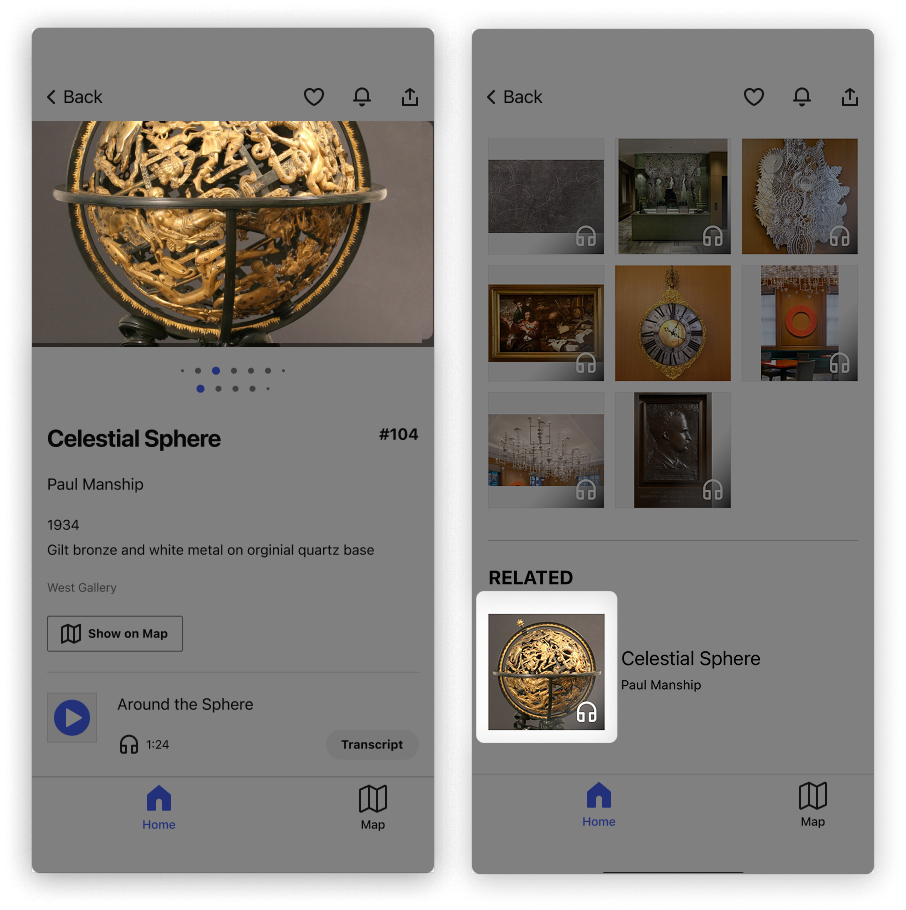
Fill
The app automatically zooms in on the center of the image, so the image fills all of the available space.
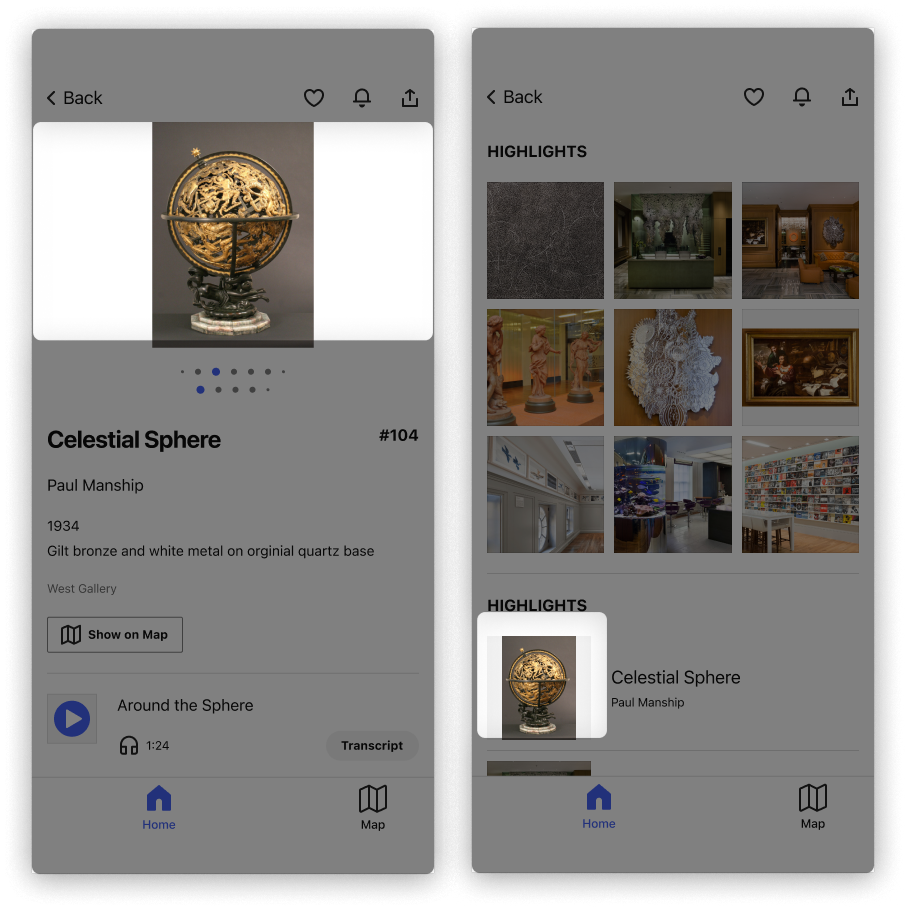
Fit
The app automatically resizes the image so that it fits inside the available space, and no part of the image is cut off. This option often results in a smaller image with empty space on the sides.
For more on updating your guide's default, see Update image display defaults.